📘 Introduction
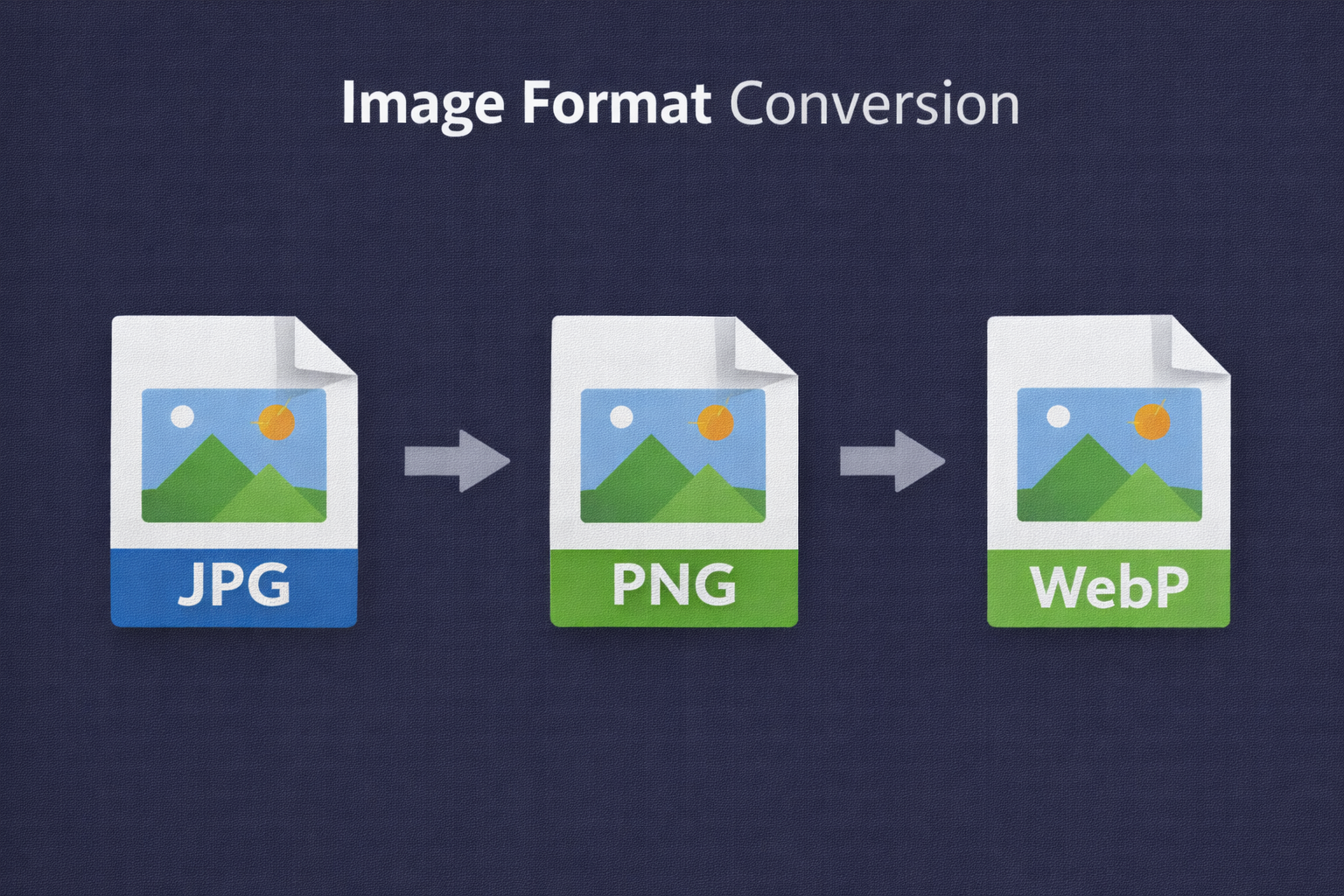
Digital images come in many formats, each designed for specific use cases such as photography, web performance, transparency, or animation. Choosing the wrong image format can lead to large file sizes, compatibility issues, or reduced visual quality. For website owners, designers, and marketers, converting images into the right format is a critical step in optimizing performance and usability.
The Image Converter tool makes it easy to convert images between popular formats such as JPG, PNG, WebP, and GIF. Instead of installing heavy software or dealing with complex settings, users can simply upload an image, choose the desired output format, and download the converted file instantly. The tool ensures that image clarity is preserved while optimizing format-specific benefits.
🔄 Image Converter (Tool)
Table of Contents
⚡ Quick Summary
The Image Converter allows users to change image formats online quickly and safely. It supports common formats and maintains high visual quality during conversion.
This tool is ideal for web optimization, content creation, and cross-platform compatibility without technical complexity.
Key takeaways
- Convert images instantly
- Support for popular formats
- No quality loss
- Free and browser-based
- No signup required
📖 What Is This Tool?
The Image Converter is an online utility that changes image file formats while keeping the visual content intact. It enables users to adapt images for different platforms, browsers, and performance requirements.
By using optimized conversion algorithms, the tool ensures accurate color reproduction, transparency handling, and minimal quality loss.
Tool Definition
- Online image format conversion
- Multiple format support
- High-quality output
- Fast processing
- Beginner friendly
🎯 Who This Tool Is For
The Image Converter is suitable for designers, developers, marketers, bloggers, and business owners who need flexible image format options. It is especially useful for non-technical users who want quick results.
Agencies and teams can also rely on this tool to standardize image formats across projects.
Ideal Users & Customer Profiles
- Web developers
- Graphic designers
- Digital marketers
- Content creators
- Business owners
😖 Core Pain Points This Tool Solves
Using the wrong image format can cause slow loading times, broken transparency, or incompatibility with certain browsers and platforms.
Many users struggle with complex tools or lack the technical knowledge to convert images properly.
Problems Users Face
- Incompatible formats
- Large image sizes
- Quality loss
- Complex software
- Time-consuming workflows
- Platform limitations
- Inconsistent results
✅ How This Guide Solves Those Pain Points
The Image Converter removes complexity by providing a straightforward upload-and-convert process. Users do not need to understand technical format differences.
By handling optimization automatically, the tool ensures consistent and reliable conversion results.
How This Content Helps
- Easy conversion process
- Automated optimization
- Quality preservation
- Fast results
- Beginner friendly
- Reduced errors
- Improved efficiency
💡 Why Use This Tool
Using the correct image format improves performance, compatibility, and user experience.
This tool offers a fast and reliable solution for image format conversion.
Value Proposition
- High-quality conversion
- No learning curve
- Fast processing
- Free to use
- Cross-platform support
⏰ When to Use This Tool
Use the Image Converter when preparing images for websites, apps, emails, or social media.
It is also useful during migrations, redesigns, and performance optimization.
Best Use Scenarios
- Website optimization
- Social media publishing
- Email campaigns
- App development
- Content migration
🛠️ How to Use This Tool
Upload your image into the Image Converter.
Select the target format and download the converted image.
Usage Steps
- Upload image
- Choose output format
- Start conversion
- Preview result
- Download converted image
🏆 Benefits of Using This Tool
Correctly converted images improve performance and compatibility.
This tool ensures reliable and high-quality conversion results.
Key Advantages
- Multiple format support
- No quality loss
- Fast conversion
- Easy to use
- Free access
- Consistent results
- Professional output
- Cross-device compatibility
- Privacy friendly
- Production ready
🔒 Privacy, Security
Images are processed securely and are not stored permanently.
No tracking or personal data collection is involved.
The tool follows a strict privacy-first policy.
Your Data Safety
- No image storage
- Secure processing
- No tracking
- Anonymous usage
- Privacy focused
- Trusted platform
Also Known As
Alternative names and related search terms.
FAQs
What is an Image Converter?
It converts images from one format to another.
Does conversion reduce image quality?
No noticeable quality loss with optimized conversion.
Is the Image Converter free?
Yes, it is completely free.
Which formats are supported?
JPG, PNG, WebP, and more.
Is signup required?
No signup required.
Are images stored?
No, images are not stored.
Can beginners use it?
Yes, it is beginner friendly.
Does it work on mobile?
Yes, mobile compatible.
Can I convert images for websites?
Yes, perfect for web use.
Does it preserve transparency?
Yes, transparency is preserved where supported.
Is it fast?
Yes, conversion is instant.
Can I convert WebP to JPG?
Yes, supported.
Does it support batch conversion?
Planned for future updates.
Is it secure?
Yes, privacy focused.
Can designers use it?
Yes, suitable for professionals.
Is it browser based?
Yes, works online.
Does it change dimensions?
No, dimensions remain unchanged.
Can I use it for social media?
Yes, ideal for social platforms.
Does it optimize file size?
Yes, format optimization reduces size.
Who should use this tool?
Anyone needing quick image format conversion.
🔧 Other Image Tools
🗂️ Tool Categories
No categories available