📘 Introduction
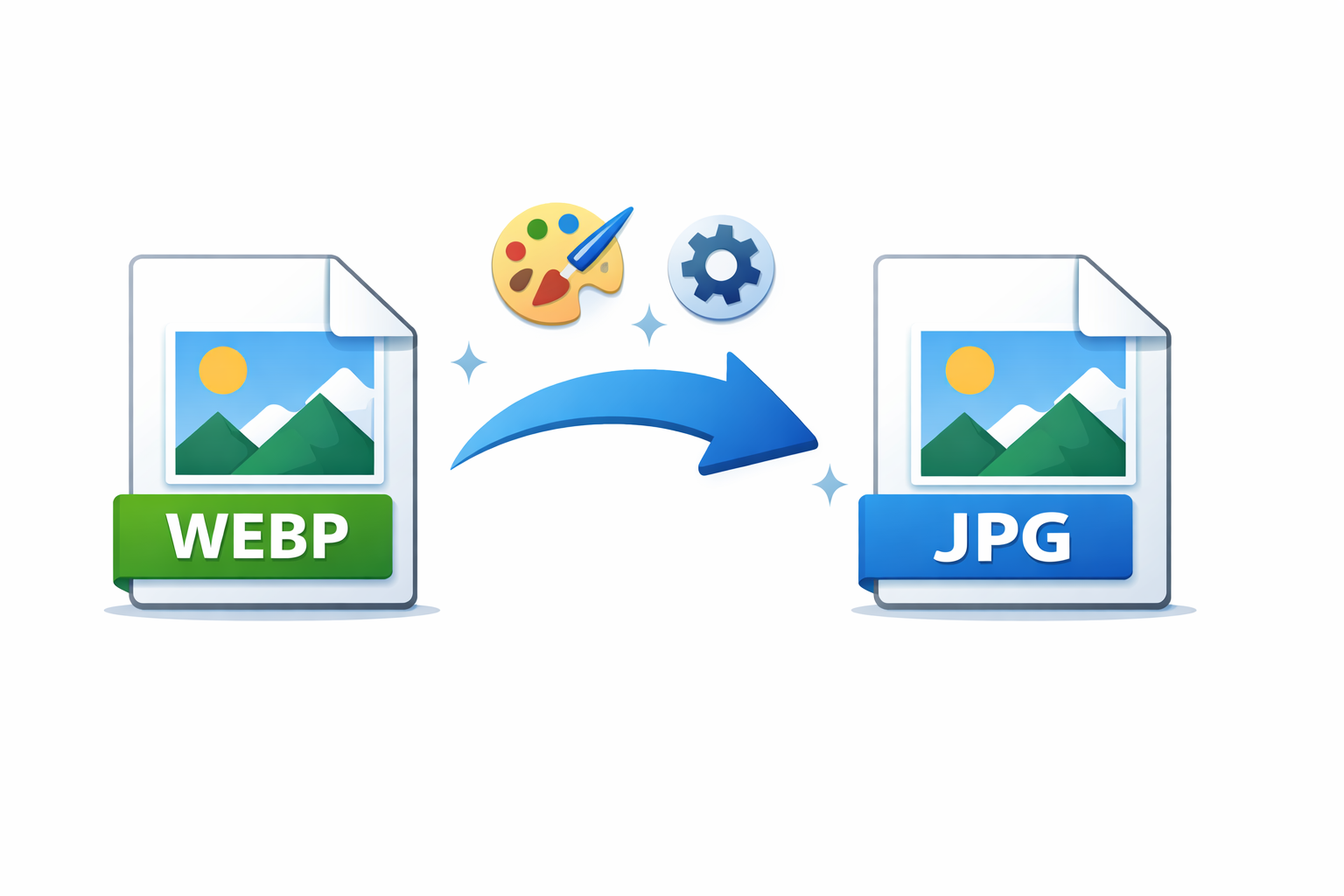
JPG has been the standard image format for decades, widely supported and easy to use. However, modern websites demand faster loading times and better performance, which is where newer formats like WEBP excel.
The JPG to WEBP Converter allows users to transform traditional JPG images into the modern WEBP format, achieving smaller file sizes while maintaining excellent visual quality.
🖼️ JPG to WEBP Converter (Tool)
Table of Contents
⚡ Quick Summary
This tool converts JPG images into WEBP format quickly and efficiently.
It helps improve website speed and image optimization.
Key Takeaways
- Instant conversion
- Reduced file size
- Free online tool
- Beginner friendly
- Web optimized
📖 What Is This Tool?
The JPG to WEBP Converter is an online utility designed to convert JPG images into the WEBP format.
It uses optimized compression techniques to ensure high-quality output with smaller file sizes.
Tool Definition
- Online image converter
- JPG to WEBP format
- Fast processing
- No installation needed
- Easy to use
🎯 Who This Tool Is For
This tool is ideal for website owners, developers, marketers, and designers.
Anyone looking to improve website performance through image optimization can benefit.
Ideal Users
- Web developers
- SEO professionals
- Digital marketers
- Graphic designers
- Website owners
😖 Core Pain Points
Large JPG images can significantly slow down websites.
Optimizing images manually often requires complex tools.
Common Problems
- Large file sizes
- Slow loading pages
- Poor performance scores
- Complex optimization tools
- Inefficient compression
✅ How This Tool Solves Them
The tool converts JPG images into highly compressed WEBP files.
It simplifies image optimization into a quick and easy process.
Solutions Offered
- Smaller image size
- One-click conversion
- No technical skills needed
- Fast processing
- Reliable results
💡 Why Use JPG to WEBP
WEBP images load faster and use less bandwidth.
They are recommended by modern performance and SEO guidelines.
Advantages
- Faster websites
- Lower bandwidth usage
- Better SEO performance
- Modern format
- High visual quality
⏰ When to Use This Tool
Use this tool when optimizing website images for speed.
It is especially useful during site launches or audits.
Use Cases
- Website optimization
- Performance audits
- Page speed improvement
- SEO optimization
- Image-heavy pages
🛠️ How to Use This Tool
Upload your JPG image file.
Convert and download the optimized WEBP image.
Steps
- Upload JPG
- Click convert
- Preview output
- Download WEBP
🏆 Benefits
Using WEBP images improves website performance and user experience.
The conversion process is quick, reliable, and accessible.
Key Benefits
- Smaller image files
- Faster page load
- Improved SEO scores
- Easy workflow
- Free access
🔒 Privacy & Security
Images are processed securely and not stored permanently.
User privacy and data protection are top priorities.
Trust Signals
- No permanent storage
- Secure processing
- No tracking
- Privacy focused
Also Known As
Alternative names for JPG to WEBP Converter.
FAQs
What is JPG to WEBP conversion?
It converts JPG images into WEBP format.
Why convert JPG to WEBP?
To reduce file size and improve website speed.
Is this tool free?
Yes, it is completely free.
Does WEBP reduce quality?
WEBP maintains high quality with better compression.
Is signup required?
No signup required.
Are images stored?
No, images are not stored.
Can beginners use it?
Yes, it is easy to use.
Does it work on mobile?
Yes, mobile friendly.
Is WEBP supported by browsers?
Yes, modern browsers support WEBP.
Can I convert large images?
Yes, large images are supported.
Is conversion fast?
Yes, conversion is instant.
Does it resize images?
No, dimensions remain unchanged.
Is it secure?
Yes, privacy-first processing.
Can marketers use it?
Yes, commonly used for optimization.
Is it browser-based?
Yes, fully online.
Does it preserve colors?
Yes, colors are preserved.
Who should use this tool?
Anyone optimizing website images.
Does it require installation?
No installation required.
Can I batch convert images?
Batch support planned.
Is WEBP good for SEO?
Yes, it improves page speed and performance.
🔧 Other Image Tools
🗂️ Tool Categories
No categories available