📘 Introduction
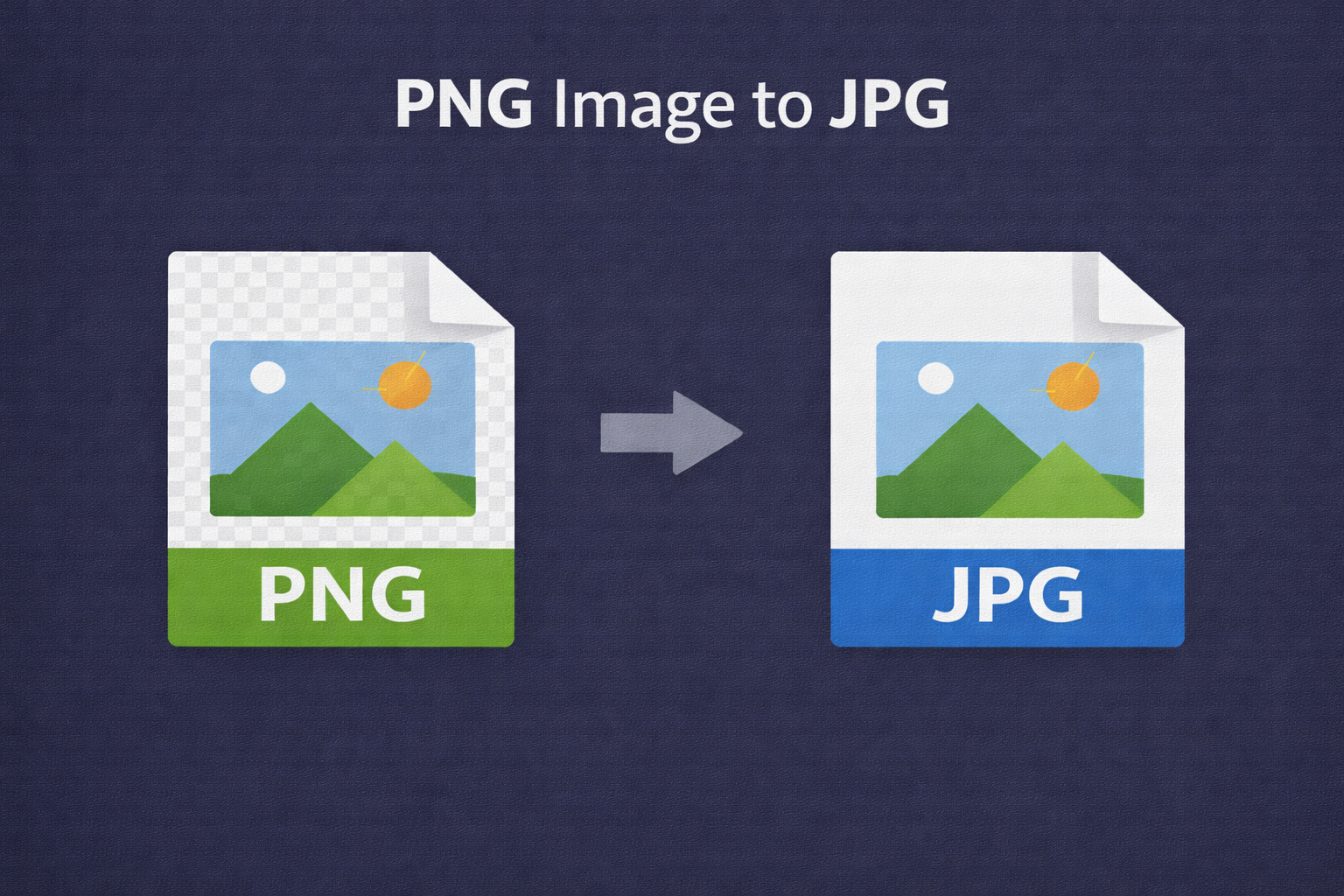
PNG and JPG are two popular image formats used across the web. PNG supports transparency and lossless quality, while JPG focuses on compression and smaller file sizes.
The PNG to JPG Converter helps users quickly convert PNG images into JPG format, making them easier to upload, share, and optimize for websites.
🖼️ PNG to JPG Converter (Tool)
Convert PNG image to JPG. Transparency will be flattened to white background.
Table of Contents
⚡ Quick Summary
This tool converts PNG images to JPG format quickly and efficiently.
It is ideal for users who want smaller image sizes without complex tools.
Key Takeaways
- Instant conversion
- Smaller file size
- Free to use
- Beginner friendly
- Web optimized
📖 What Is This Tool?
The PNG to JPG Converter is an online utility that changes PNG image files into JPG format.
It automatically handles transparency by applying a solid background.
Tool Definition
- Online image converter
- PNG to JPG format
- Fast processing
- No installation
- Easy interface
🎯 Who This Tool Is For
This tool is suitable for designers, marketers, bloggers, and website owners.
Anyone who needs smaller image files can benefit.
Ideal Users
- Web developers
- Digital marketers
- Bloggers
- Content creators
- Business owners
😖 Core Pain Points
PNG images often have large file sizes that slow down websites.
Not all platforms support transparency well.
Common Problems
- Large file size
- Slow page load
- Transparency issues
- Upload limitations
- Sharing difficulties
✅ How This Tool Solves Them
The tool compresses images by converting them into JPG format.
It simplifies the process with one-click conversion.
Solutions Offered
- File size reduction
- Simple workflow
- Fast output
- Consistent quality
- No technical setup
💡 Why Use PNG to JPG
JPG images are widely supported and load faster.
They are ideal for photos and large visuals.
Advantages
- Smaller file size
- Faster loading
- Universal support
- Easy sharing
- Web friendly
⏰ When to Use This Tool
Use this tool when optimizing images for websites or emails.
It is also useful when sharing images online.
Use Cases
- Website optimization
- Email marketing
- Blog images
- Social media
- Online sharing
🛠️ How to Use This Tool
Upload your PNG image using the upload option.
Convert and download the JPG image instantly.
Steps
- Upload PNG
- Click convert
- Preview result
- Download JPG
🏆 Benefits
PNG to JPG conversion improves performance and compatibility.
It simplifies image management workflows.
Key Benefits
- Reduced file size
- Fast performance
- Easy to use
- Free access
- No installation
🔒 Privacy & Security
Images are processed securely and temporarily.
No files are stored on servers.
Trust Signals
- No permanent storage
- Secure processing
- No tracking
- Privacy first
Also Known As
Alternative names for PNG to JPG Converter.
FAQs
What is PNG to JPG conversion?
It converts PNG images into JPG format.
Why convert PNG to JPG?
To reduce file size and improve loading speed.
Does JPG support transparency?
No, transparency is removed.
Is this tool free?
Yes, it is completely free.
Is signup required?
No signup required.
Are images stored?
No, images are not stored.
Does quality drop?
Quality is optimized for balance.
Can beginners use it?
Yes, very beginner friendly.
Does it work on mobile?
Yes, mobile friendly.
Can I use it for websites?
Yes, perfect for web optimization.
Is it fast?
Yes, instant conversion.
Does it resize images?
No, size remains same.
Is it secure?
Yes, privacy focused.
Does it support batch files?
Batch support planned.
Who should use this tool?
Anyone needing JPG images.
Is technical knowledge required?
No technical skills needed.
Can marketers use it?
Yes, widely used by marketers.
Does it change colors?
Colors are preserved.
Is it browser-based?
Yes, fully online.
Can I use it on large images?
Yes, large images are supported.
🔧 Other Image Tools
🗂️ Tool Categories
No categories available