📘 Introduction
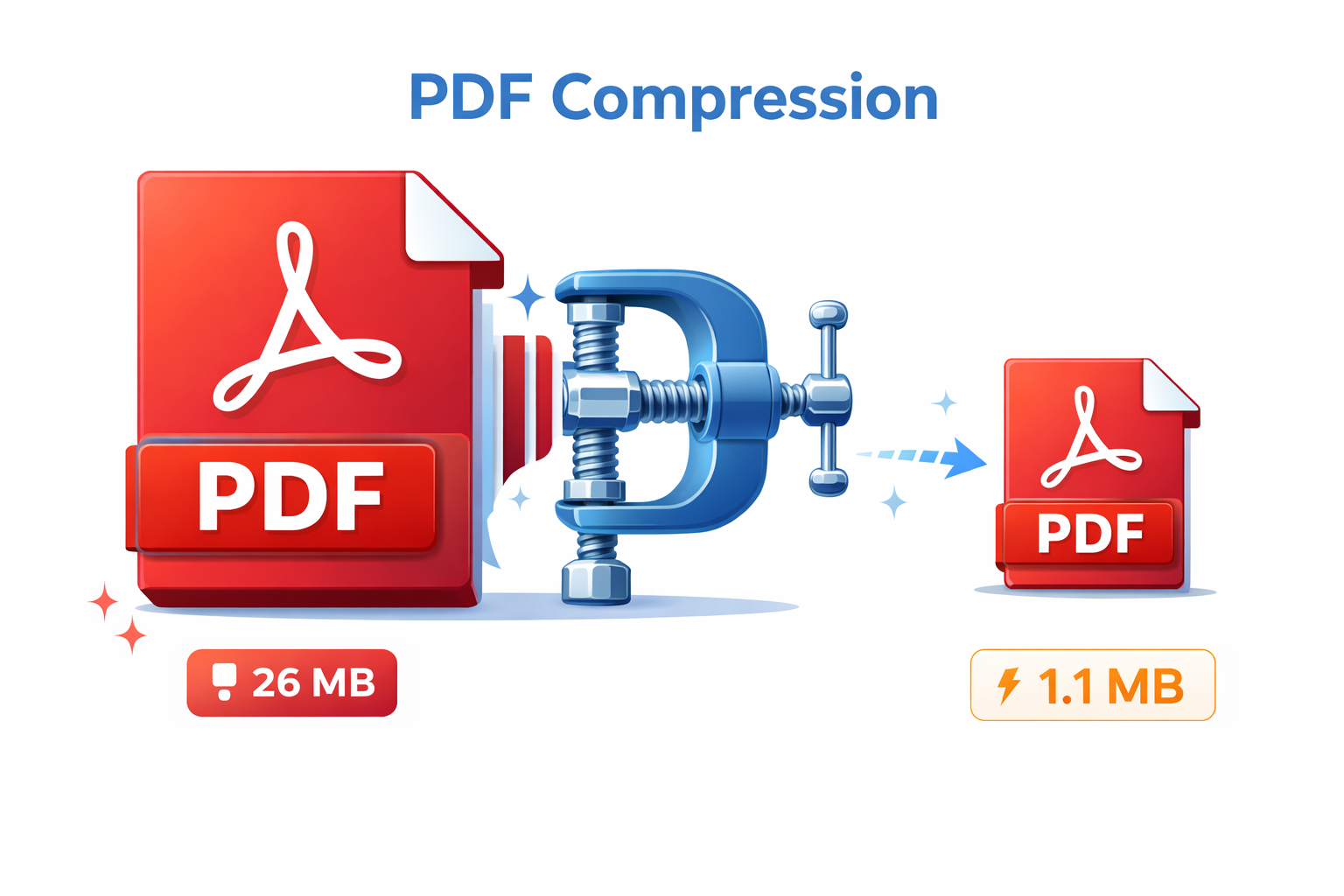
PDF files are widely used for sharing documents because they preserve formatting across devices. However, PDFs often become very large due to embedded images, fonts, and complex layouts. Large PDF files are difficult to upload, slow to share via email, and consume unnecessary storage space. A reliable PDF compressor helps solve these issues by reducing file size while keeping the document readable and professional.
The PDF Compressor tool is designed to make PDF optimization simple and accessible. Instead of using heavy desktop software, users can upload their PDFs and compress them online within seconds. The tool applies smart compression techniques that reduce file size without destroying text clarity or layout. Whether you are a student submitting assignments, a professional sharing reports, or a business handling large documents, this tool helps streamline your workflow.
📄 PDF Compressor (Tool)
Estimate PDF file size reduction and download compressed file.
Table of Contents
⚡ Quick Summary
The PDF Compressor allows users to reduce PDF file size quickly and easily without installing any software. It focuses on maintaining document quality while significantly decreasing file weight. This makes it ideal for sharing, uploading, and archiving PDFs.
By using this tool, users can handle large documents more efficiently. The process is straightforward: upload the PDF, let the tool compress it, and download the optimized version. The tool is browser-based, secure, and suitable for both beginners and professionals.
Key Takeaways
- Reduce PDF file size online
- No software installation needed
- Quality-preserving compression
- Fast and user-friendly
- Free to use
📖 What Is This Tool?
The PDF Compressor is an online utility that reduces the size of PDF files by optimizing images, removing redundant data, and compressing internal structures. It works directly in the browser, making it accessible from any device without technical setup.
Unlike basic file zipping, this tool intelligently compresses PDFs so they remain usable and readable. Text remains sharp, layouts stay intact, and images are optimized rather than removed. This makes it suitable for professional documents, reports, manuals, and academic files.
Tool Definition
- Online PDF optimization tool
- Reduces file size efficiently
- Maintains document readability
- No technical skills required
- Works on all modern browsers
🎯 Who This Tool Is For
The PDF Compressor is built for anyone who regularly works with PDF files and needs a simple way to reduce file size. Students can compress assignments before submission, professionals can share reports more easily, and businesses can optimize documents for storage and distribution.
It is especially useful for users who do not want to install complex PDF software. With a clean interface and straightforward workflow, the tool fits both casual and professional use cases.
Ideal Users
- Students
- Office professionals
- Business teams
- Freelancers
- Educators
😖 Core Pain Points This Tool Solves
Large PDF files often cause problems when uploading to websites, sending via email, or sharing through messaging platforms. Users frequently encounter file size limits that block successful uploads.
Many people rely on expensive software or complicated workflows to compress PDFs. This tool removes those barriers by offering a simple and accessible solution.
Problems Users Face
- Oversized PDF files
- Upload and email limitations
- Slow file transfers
- Complex compression software
- High storage usage
- Poor sharing experience
- Time-consuming workflows
✅ How This Guide Solves Those Pain Points
This guide explains how the PDF Compressor works and how it simplifies file size reduction. By focusing on practical use cases, it helps users quickly understand when and how to compress PDFs effectively.
The tool removes technical complexity and delivers consistent results. Users can rely on it to compress documents safely without worrying about data loss or formatting issues.
How This Content Helps
- Explains PDF compression clearly
- Shows real-world use cases
- Reduces dependency on software
- Improves document sharing
- Saves time and effort
- Simplifies workflows
- Enhances productivity
💡 Why Use This Tool
Using a PDF Compressor improves efficiency by making documents easier to store, share, and manage. Smaller files reduce friction in everyday workflows and improve collaboration.
This tool is designed to balance compression and quality, ensuring documents remain professional while being lightweight.
Value Proposition
- Fast PDF compression
- No quality compromise
- Easy to use
- Accessible anywhere
- Free and reliable
⏰ When to Use This Tool
Use this tool whenever you need to reduce the size of a PDF before sharing or uploading. It is especially useful when dealing with strict file size limits.
It is also helpful for long-term storage and archiving, where smaller files save space.
Best Use Scenarios
- Emailing large PDFs
- Uploading to portals
- Sharing documents online
- Archiving files
- Optimizing reports
🛠️ How to Use This Tool
The PDF Compressor is designed for simplicity. Users can complete the process in just a few clicks without any technical knowledge.
Upload your PDF, let the tool compress it automatically, and download the optimized file.
Usage Steps
- Upload PDF file
- Start compression
- Wait for processing
- Download compressed PDF
- Share or store the file
🏆 Benefits of Using This Tool
Compressed PDFs are easier to manage, share, and store. They reduce bandwidth usage and speed up workflows.
This tool offers a practical solution for everyday PDF optimization needs.
Key Advantages
- Smaller file sizes
- Faster sharing
- Better storage efficiency
- Improved collaboration
- Simple interface
- Secure processing
- No installation
- Time-saving
- Reliable results
- Free access
🔒 Privacy, Security
User privacy is a top priority. Uploaded PDFs are processed securely and are not stored permanently.
The tool follows best practices to ensure data safety and confidentiality.
Users can compress sensitive documents with confidence.
Your Data Safety
- Secure processing
- No permanent storage
- Privacy-focused design
- No data sharing
- Safe for sensitive documents
- Trusted workflows
Also Known As
Alternative terms for PDF Compressor.
FAQs
What is a PDF compressor?
A tool that reduces PDF file size.
Does compression affect quality?
The tool preserves readability and layout.
Is this PDF compressor free?
Yes, it is free to use.
Do I need to install software?
No, it works online.
Are my files safe?
Yes, files are processed securely.
Can I compress large PDFs?
Yes, large PDFs are supported.
Does it remove pages?
No, all pages are preserved.
Is there a file limit?
Limits depend on system capacity.
Does it work on mobile?
Yes, it is mobile friendly.
Can I use it for business documents?
Yes, it is suitable for professional use.
Does it keep text searchable?
Yes, text remains searchable.
Is signup required?
No signup required.
Can students use it?
Yes, it is ideal for students.
Does it improve upload speed?
Yes, smaller files upload faster.
Are images optimized?
Yes, images are optimized intelligently.
Can I compress multiple PDFs?
Currently one at a time.
Is it browser compatible?
Works on all modern browsers.
Does it cost anything?
No, it is free.
Is it easy to use?
Yes, very simple.
Who should use this tool?
Anyone working with PDFs.
🔧 Other Pdf Tools
🗂️ Tool Categories
No categories available