📘 Introduction
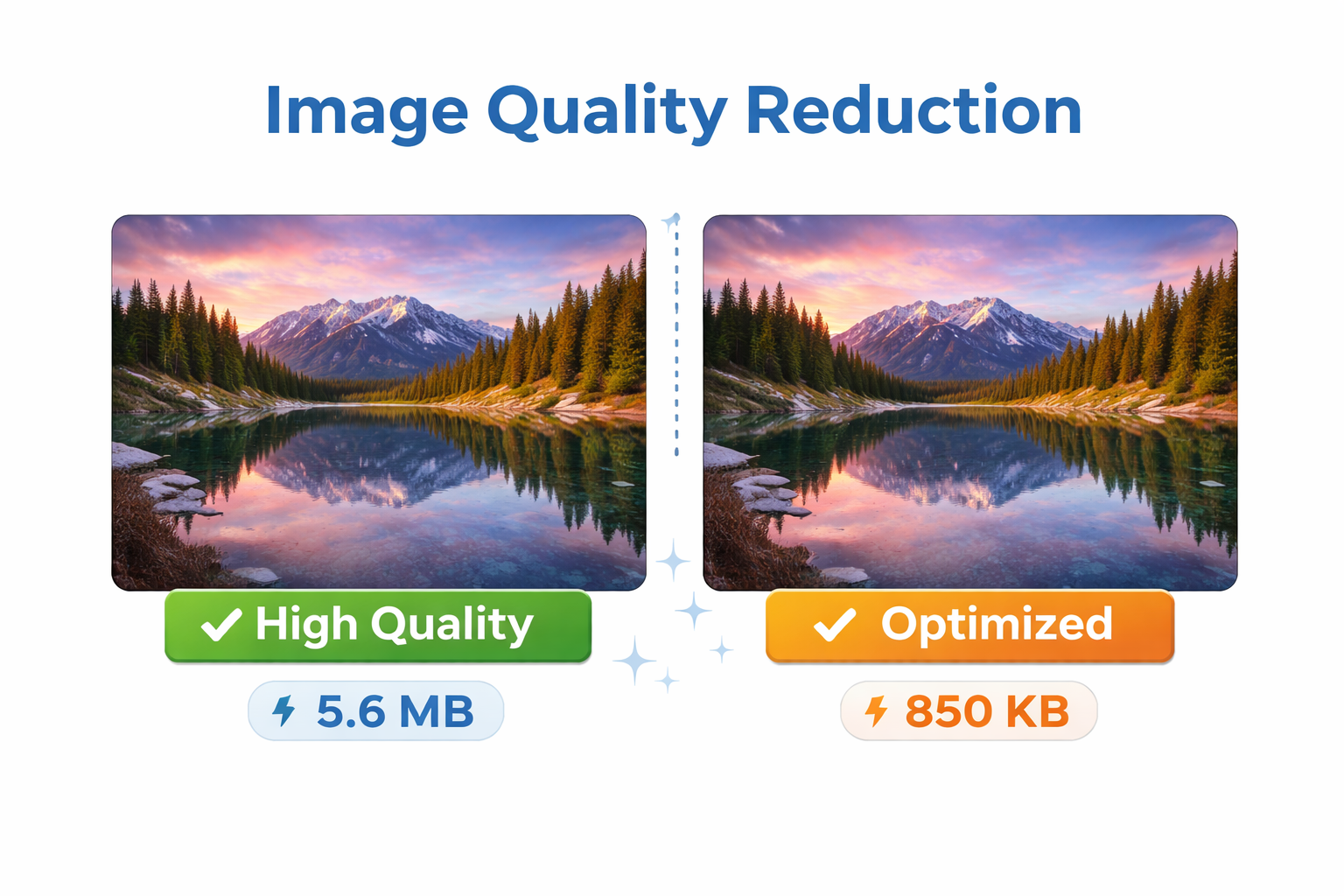
High-quality images look great but often come with large file sizes that slow down websites and apps.
The Image Quality Reducer helps you lower image quality in a controlled way to achieve smaller file sizes without unnecessary visual loss.
🖼️ Image Quality Reducer (Tool)
Table of Contents
⚡ Quick Summary
This tool reduces image quality to decrease file size.
It gives you control over how much quality you want to sacrifice.
Key Takeaways
- Controlled quality reduction
- Smaller file sizes
- Free online tool
- Beginner friendly
- Fast processing
📖 What Is This Tool?
The Image Quality Reducer is an online utility that allows users to reduce the quality level of images.
By adjusting quality parameters, users can significantly reduce file size while keeping images visually acceptable.
Tool Definition
- Online image optimization tool
- Quality-based compression
- Supports common formats
- No installation required
- Easy to use
🎯 Who This Tool Is For
This tool is useful for anyone who needs smaller image files without fully compressing or converting formats.
It is especially helpful for web professionals and content creators.
Ideal Users
- Web developers
- Designers
- SEO professionals
- Content creators
- Website owners
😖 Core Pain Points
High-quality images often result in slow-loading pages.
Manually adjusting image quality requires advanced tools or technical skills.
Common Problems
- Large image files
- Slow website speed
- Complex editing software
- Lack of quality control
- High bandwidth usage
✅ How This Tool Solves Them
The tool allows you to reduce image quality using a simple slider.
You get instant results with predictable file size reduction.
Solutions Offered
- Quality control slider
- Instant preview
- Smaller file size
- Simple workflow
- Reliable output
💡 Why Reduce Image Quality
Reducing image quality helps balance visual appearance and performance.
It is often the fastest way to reduce file size without resizing images.
Advantages
- Faster page loads
- Lower data usage
- Better performance scores
- Improved user experience
- More control than auto compression
⏰ When to Use This Tool
Use this tool before uploading images to websites or apps.
It is ideal when you want smaller images without changing dimensions.
Use Cases
- Website image optimization
- Blog image preparation
- E-commerce product images
- Mobile app assets
- Email attachments
🛠️ How to Use This Tool
Upload your image file.
Adjust the quality slider and download the optimized image.
Steps
- Upload image
- Adjust quality level
- Preview result
- Download optimized image
🏆 Benefits
Reducing image quality improves speed without drastic visual loss.
It offers flexibility and control over optimization.
Key Benefits
- Smaller file sizes
- Controlled quality loss
- Better performance
- Simple interface
- Free to use
🤖 Smart Processing Overview
The tool uses optimized algorithms to apply consistent quality reduction.
It ensures predictable results across different image types.
Smart Features
- Predictable compression
- Quality balance
- Efficient processing
- Reliable output
🔒 Privacy & Security
Images are processed securely and not stored permanently.
User privacy and data protection are strictly maintained.
Trust Signals
- No permanent storage
- Secure processing
- No tracking
- Privacy focused
Also Known As
Alternative names for Image Quality Reducer.
FAQs
What does an image quality reducer do?
It lowers image quality to reduce file size.
Is image quality reduction the same as compression?
It is a form of compression focused on quality control.
Is this tool free?
Yes, it is completely free.
Do images lose a lot of quality?
Quality loss is controlled by the user.
Can I preview results?
Yes, preview is available.
Are my images stored?
No, images are not stored.
Does it change image dimensions?
No, dimensions remain unchanged.
What formats are supported?
Common formats like JPG and PNG are supported.
Is it safe to use?
Yes, it is privacy focused.
Does it work on mobile?
Yes, it is mobile friendly.
Who should use this tool?
Anyone needing smaller image files.
Is signup required?
No signup required.
Does it improve website speed?
Yes, smaller images load faster.
Can designers use it?
Yes, it offers precise control.
Is quality adjustable?
Yes, via a slider.
Is it browser based?
Yes, fully online.
Does it affect SEO?
Indirectly, by improving performance.
Can I use it for e-commerce?
Yes, it is ideal for product images.
Is it beginner friendly?
Yes, very easy to use.
Is it faster than manual editing?
Yes, much faster.
🔧 Other Image Tools
🗂️ Tool Categories
No categories available