📘 Introduction
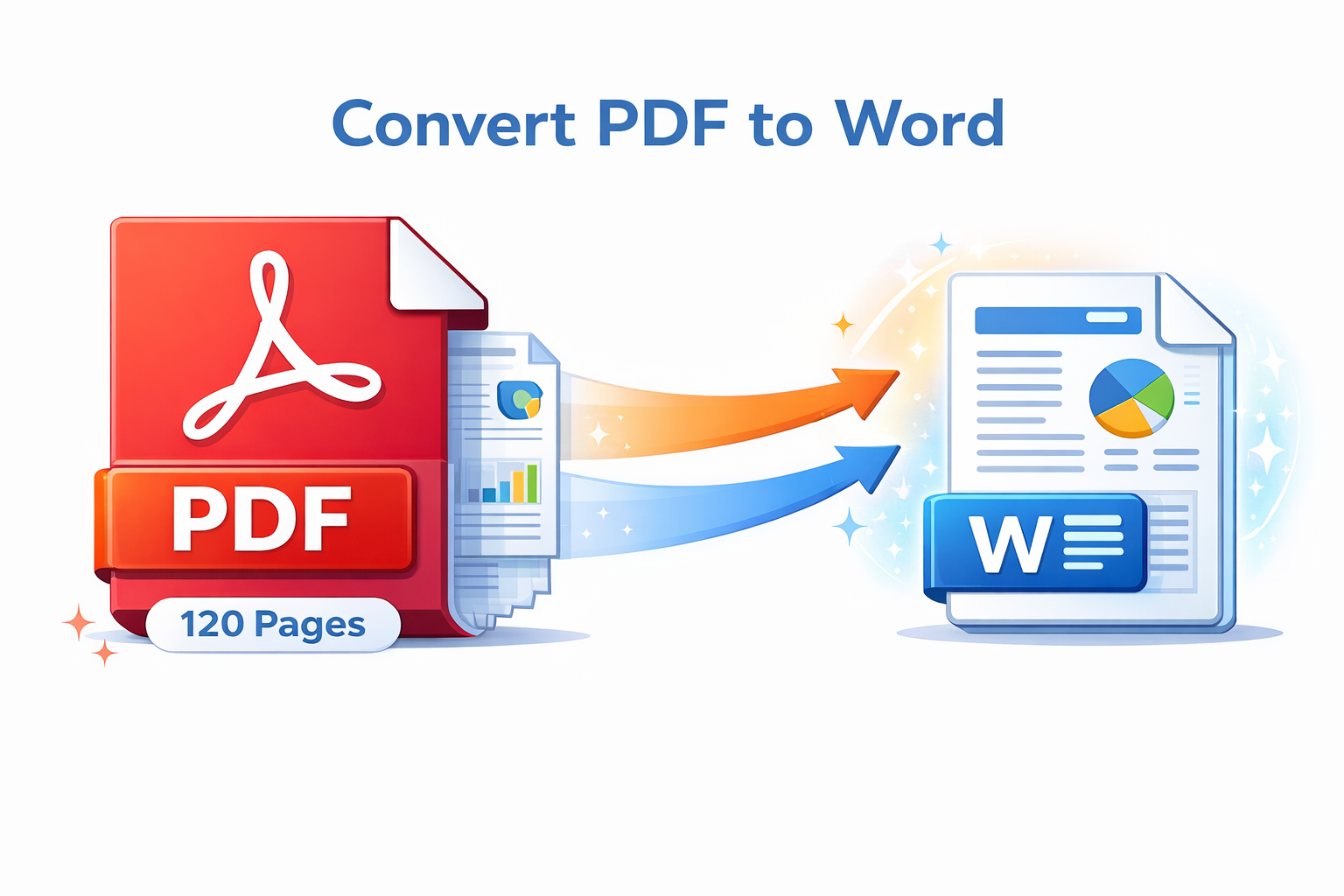
PDF files are widely used for sharing documents because they preserve layout and formatting. However, editing PDFs can be difficult without specialized software. This often creates challenges when users need to update text, reuse content, or make revisions.
The PDF to Word Converter solves this problem by transforming static PDF files into fully editable Word documents. By converting PDFs into DOCX format, users gain complete control over text, images, tables, and layouts, making content updates fast and effortless.
📄➡️📝 PDF to Word Converter (Tool)
Estimate the Word file size when converting from PDF. Layout preservation may vary.
Table of Contents
⚡ Quick Summary
The PDF to Word Converter allows users to quickly turn PDFs into editable Word documents without losing formatting or layout accuracy.
It works entirely online, making it accessible from any device without the need for installation or registration.
Key Takeaways
- Convert PDF to DOCX
- Preserve formatting
- No software installation
- Fast and secure
- Free to use
📖 What Is This Tool?
The PDF to Word Converter is an online utility that transforms PDF documents into editable Word files. It extracts text, images, and formatting while maintaining document accuracy.
This tool is ideal for users who need to modify or reuse content from PDFs without complex editing tools.
Tool Definition
- Online PDF to Word conversion
- Editable DOCX output
- High formatting accuracy
- Beginner-friendly interface
- No technical skills required
🎯 Who This Tool Is For
This tool is designed for professionals, students, educators, and businesses who frequently work with PDFs and need editable formats.
It is especially useful for users who want quick edits without investing in paid PDF editing software.
Ideal Users & Customer Profiles
- Students
- Office professionals
- Business teams
- Researchers
- Freelancers
😖 Core Pain Points This Tool Solves
Editing PDFs directly can be frustrating, time-consuming, and expensive without proper tools.
Users often resort to retyping content, which increases errors and wastes time.
Problems Users Face
- Non-editable PDFs
- Formatting loss
- Manual retyping
- Expensive software
- Slow workflows
- Limited collaboration
- Inflexible documents
✅ How This Guide Solves Those Pain Points
This guide explains how to convert PDFs into Word documents efficiently, enabling easy edits and updates.
By using this tool, users save time and maintain document accuracy.
How This Content Helps
- Enables instant editing
- Preserves formatting
- Reduces errors
- Improves efficiency
- Eliminates retyping
- Simplifies workflows
- Enhances collaboration
💡 Why Use This Tool
This tool provides a fast, accurate, and cost-effective way to convert PDFs into Word documents.
It ensures users can work with documents flexibly without technical barriers.
Value Proposition
- Fast conversion
- High accuracy
- Easy editing
- Secure processing
- Free access
⏰ When to Use This Tool
Use this tool when you need to edit text, reuse content, or update information in a PDF file.
It is also ideal for collaboration and document revisions.
Best Use Scenarios
- Editing reports
- Updating contracts
- Reusing content
- Collaborative work
- Academic assignments
🛠️ How to Use This Tool
The PDF to Word Converter is simple and intuitive.
Upload your PDF, convert it, and download the Word file.
Usage Steps
- Upload PDF file
- Start conversion
- Wait for processing
- Download Word file
- Edit as needed
🏆 Benefits of Using This Tool
Converting PDFs to Word documents allows greater flexibility and control over content.
This tool enhances productivity and document usability.
Key Advantages
- Editable output
- High accuracy
- Time-saving
- No installation
- User-friendly
- Secure processing
- Cross-platform
- Free access
- Professional results
- Reliable performance
🔒 Privacy, Security
User privacy is protected through secure file handling.
Uploaded files are processed temporarily and not stored permanently.
This ensures safe conversion even for sensitive documents.
Your Data Safety
- Secure uploads
- Temporary processing
- No data sharing
- Privacy-first design
- Trusted platform
- Safe for sensitive files
Also Known As
Alternative terms for PDF to Word Converter.
FAQs
What is a PDF to Word converter?
It converts PDF files into editable Word documents.
Is this tool free?
Yes, it is free to use.
Do I need to install software?
No installation required.
Does it preserve formatting?
Yes, formatting is maintained.
Is my data secure?
Files are processed securely.
Can I edit the converted file?
Yes, fully editable in Word.
Does it work on mobile?
Yes, it is mobile-friendly.
Can I convert scanned PDFs?
Basic scanned PDFs are supported.
Is signup required?
No signup needed.
Does it add watermarks?
No watermarks added.
What format is the output?
DOCX format.
Is it fast?
Yes, conversion is quick.
Can businesses use it?
Yes, suitable for professional use.
Does it support large PDFs?
Yes, within reasonable limits.
Is OCR included?
Basic text recognition is supported.
Can I convert multiple files?
Single file at a time currently.
Does it change fonts?
Original fonts are preserved where possible.
Is it browser compatible?
Works on all modern browsers.
Can I share the output easily?
Yes, Word files are easy to share.
Who should use this tool?
Anyone needing editable PDFs.
🔧 Other Pdf Tools
🗂️ Tool Categories
No categories available