📘 Introduction
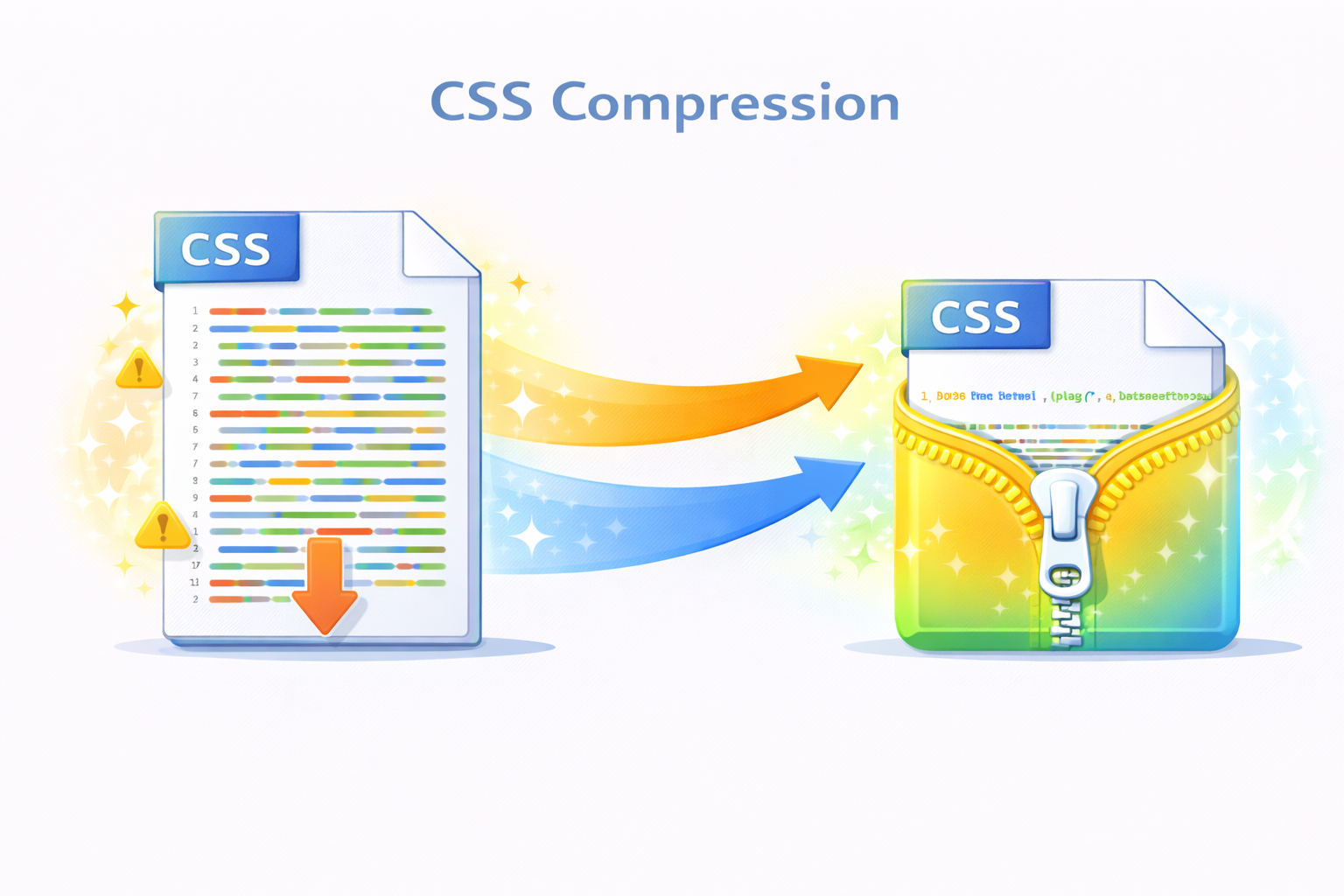
CSS files play a major role in how fast a website loads. As stylesheets grow with additional rules, comments, and spacing, they can significantly increase page weight. Larger CSS files mean more data transferred over the network, which can slow down page load times, especially on mobile devices or slow connections.
The CSS Minifier addresses this challenge by removing unnecessary characters such as whitespace, comments, and redundant formatting without affecting how the styles work. By compressing CSS code, websites can load faster, improve user experience, and meet modern performance standards required by search engines.
🗜️ CSS Minifier (Tool)
Minify your CSS to reduce file size and improve page load performance.
Table of Contents
⚡ Quick Summary
The CSS Minifier compresses CSS code by removing unnecessary characters while preserving functionality.
It helps websites load faster and improves overall performance with minimal effort.
Key takeaways
- Instant CSS compression
- No code behavior changes
- Improved performance
- Free and easy to use
- No installation required
📖 What Is This Tool?
The CSS Minifier is an online utility that reduces the size of CSS files by eliminating unnecessary spaces, comments, and line breaks.
It produces compact CSS code that browsers can download and parse more efficiently.
Tool Definition
- Compresses CSS
- Removes whitespace
- Eliminates comments
- Optimizes delivery
- Fast and reliable
🎯 Who This Tool Is For
This tool is designed for developers, webmasters, and SEO professionals who want faster websites.
Agencies and businesses managing performance-sensitive websites benefit greatly from CSS minification.
Ideal Users & Customer Profiles
- Frontend developers
- Web developers
- SEO specialists
- Website owners
- Digital agencies
😖 Core Pain Points This Tool Solves
Large CSS files slow down websites and negatively impact user experience.
Manual minification is error-prone and time-consuming.
Problems Users Face
- Slow page load times
- Large CSS file sizes
- Poor mobile performance
- Higher bounce rates
- Manual optimization effort
- Bandwidth waste
- SEO impact
✅ How This Guide Solves Those Pain Points
The CSS Minifier automates compression, removing the need for manual optimization.
This ensures consistent and reliable minification every time.
How This Content Helps
- Automated compression
- Consistent output
- Reduced file size
- Improved speed
- Error-free processing
- Time saving
- Performance gains
💡 Why Use This Tool
Minified CSS reduces page weight and speeds up rendering.
This tool provides a quick and safe way to optimize stylesheets.
Value Proposition
- Faster websites
- Better SEO
- Reduced bandwidth
- Easy to use
- Free access
⏰ When to Use This Tool
Use the CSS Minifier before deploying websites to production.
It is also useful during performance audits and optimizations.
Best Use Scenarios
- Before deployment
- Performance optimization
- SEO improvements
- Mobile optimization
- Production builds
🛠️ How to Use This Tool
Paste your CSS code into the input field.
Click the minify button to generate compressed CSS.
Usage Steps
- Paste CSS code
- Click minify
- Review output
- Copy minified CSS
- Use in production
🏆 Benefits of Using This Tool
CSS minification directly improves website speed and performance.
This tool ensures consistent and reliable optimization.
Key Advantages
- Smaller file size
- Faster loading
- Improved SEO
- Better UX
- No signup
- Free usage
- Instant results
- Reliable output
- Developer friendly
- Production ready
🔒 Privacy, Security
CSS code is processed instantly and never stored.
No tracking or logging ensures full privacy.
The tool follows a privacy-first design.
Your Data Safety
- No data storage
- No tracking
- Secure processing
- Anonymous usage
- Privacy focused
- Trusted by developers
Also Known As
Alternative names and search terms.
FAQs
What is a CSS Minifier?
It compresses CSS by removing unnecessary characters.
Does minification change CSS behavior?
No, functionality remains the same.
Is this tool free?
Yes, it is completely free.
Is my CSS stored?
No, code is not stored.
Does it improve website speed?
Yes, smaller CSS loads faster.
Is it safe to use?
Yes, privacy focused.
Can beginners use it?
Yes, very easy to use.
Does it remove comments?
Yes, comments are removed.
Does it support large files?
Yes, large CSS files are supported.
Is signup required?
No signup required.
Can I use output in production?
Yes, production ready.
Does it work online?
Yes, browser based.
Is it fast?
Yes, instant processing.
Does it reduce bandwidth usage?
Yes, smaller files use less bandwidth.
Is it mobile friendly?
Yes.
Does it support modern CSS?
Yes, modern CSS supported.
Can agencies use it?
Yes, ideal for agencies.
Does it validate CSS?
No, it only minifies.
Is it reliable?
Yes, consistent output.
Does it help SEO?
Yes, faster pages help SEO.
🔧 Other Web Development Tools
🗂️ Tool Categories
No categories available