📘 Introduction
Why clean and formatted HTML matters in web development.
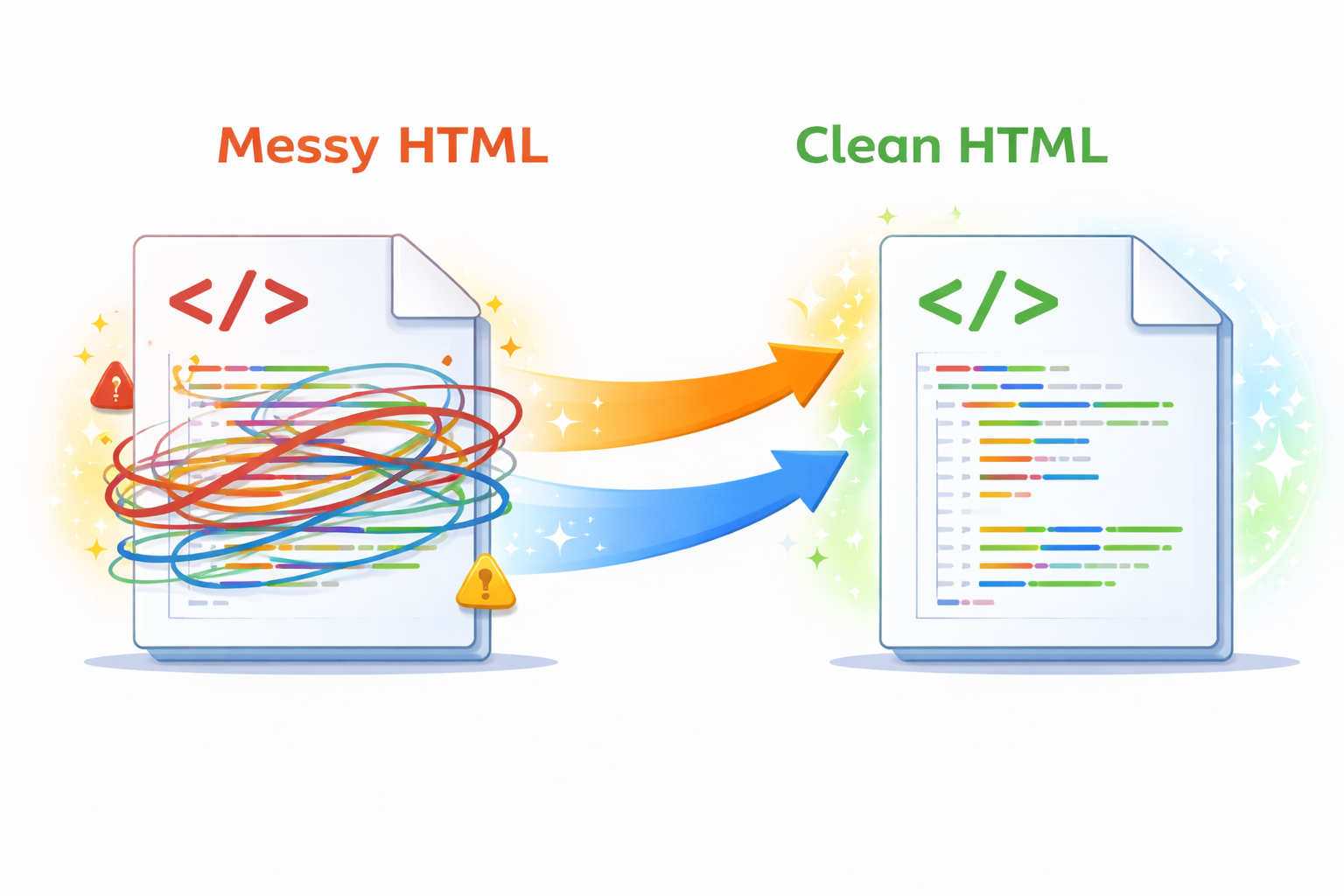
HTML formatting is the process of organizing HTML code using proper indentation, line breaks, and spacing to improve readability. While browsers can render unformatted HTML without issues, developers and teams rely on clean formatting to understand, debug, and maintain code efficiently. Poorly formatted HTML quickly becomes difficult to read, especially in large projects or collaborative environments.
The HTML Formatter tool automatically beautifies messy or minified HTML code into a clean, human-readable structure. It helps developers, designers, and learners quickly understand markup hierarchy, nested elements, and overall document flow without manually reformatting code.
🧩 HTML Formatter (Tool)
Format and beautify raw or minified HTML code for better readability.
Table of Contents
⚡ Quick Summary
Unformatted HTML slows development and increases errors.
This tool instantly beautifies HTML into clean, structured code.
Key takeaways
- Instant HTML beautification
- Improved code clarity
- No signup required
- Developer friendly
- Works for all HTML
📖 What Is This Tool?
The HTML Formatter is an online tool that restructures raw or minified HTML code into a clean, readable format.
It applies consistent indentation and spacing rules so developers can quickly understand and maintain their markup.
Tool Definition
- Formats HTML code
- Beautifies messy markup
- Preserves HTML structure
- Fast and reliable
- No code execution
🎯 Who This Tool Is For
This tool is designed for anyone working with HTML code.
Web developers, front-end engineers, designers, students, and QA teams all benefit from clean and readable HTML.
Ideal Users & Customer Profiles
- Web developers
- Front-end engineers
- UI designers
- Students
- QA testers
😖 Core Pain Points This Tool Solves
Minified or poorly formatted HTML is difficult to read and debug.
Manual formatting wastes time and increases the risk of errors.
Problems Users Face
- Unreadable HTML
- Nested structure confusion
- Manual formatting effort
- Debugging difficulty
- Time-consuming cleanup
- Inconsistent indentation
- Lower productivity
✅ How This Guide Solves Those Pain Points
The HTML Formatter automatically restructures code with proper indentation.
It removes the need for manual cleanup and ensures consistent formatting.
How This Content Helps
- Automates formatting
- Improves readability
- Reduces errors
- Saves time
- Ensures consistency
- Supports debugging
- Improves workflow
💡 Why Use This Tool
Clean HTML code is easier to maintain and debug.
This tool ensures professional-grade formatting instantly.
Value Proposition
- Fast results
- High accuracy
- Developer friendly
- Free access
- No installation needed
⏰ When to Use This Tool
Use this tool when reviewing or debugging HTML code.
It is especially helpful after working with minified or copied markup.
Best Use Scenarios
- Debugging HTML
- Learning HTML structure
- Code reviews
- Cleaning copied markup
- Maintaining legacy code
🛠️ How to Use This Tool
Paste your HTML code into the input field.
Click format to instantly receive beautified HTML.
Usage Steps
- Paste HTML code
- Click format
- Review formatted output
- Copy cleaned HTML
- Use in your project
🏆 Benefits of Using This Tool
Formatted HTML improves development efficiency.
This tool simplifies code readability and collaboration.
Key Advantages
- Instant formatting
- Consistent indentation
- Free to use
- No signup required
- Beginner friendly
- Supports large files
- Time saving
- Improves collaboration
- Reliable output
- Universal compatibility
🔒 Privacy, Security
Your HTML code is processed instantly and never stored.
No tracking, logging, or code execution occurs.
The tool follows strict privacy-first principles.
Your Data Safety
- No data storage
- No tracking
- Secure processing
- Anonymous usage
- Privacy focused
- Trusted by developers
Also Known As
Alternative names users search for.
FAQs
What is an HTML formatter?
It formats HTML code into a readable structure.
Is this tool free?
Yes, completely free.
Does it execute HTML?
No, it only formats code.
Is my code stored?
No, code is not stored.
Can it format minified HTML?
Yes, minified HTML is supported.
Does it support large files?
Yes, large HTML files are supported.
Is it safe to use?
Yes, it is privacy focused.
Do I need to install anything?
No installation required.
Can beginners use it?
Yes, beginner friendly.
Does it change HTML meaning?
No, only formatting is changed.
Is it fast?
Yes, instant results.
Can designers use it?
Yes, designers benefit from it.
Does it support copy-paste?
Yes.
Can I use it for learning?
Yes, great for learning HTML.
Does it follow standards?
Yes, standard HTML formatting rules.
Is it mobile friendly?
Yes.
Can teams use it?
Yes, ideal for collaboration.
Does it support comments?
Yes, comments are preserved.
Is there a usage limit?
No limits.
Does it work online?
Yes, fully online.
🔧 Other Web Development Tools
🗂️ Tool Categories
No categories available