📘 Introduction
Understanding HTML minification and why it matters.
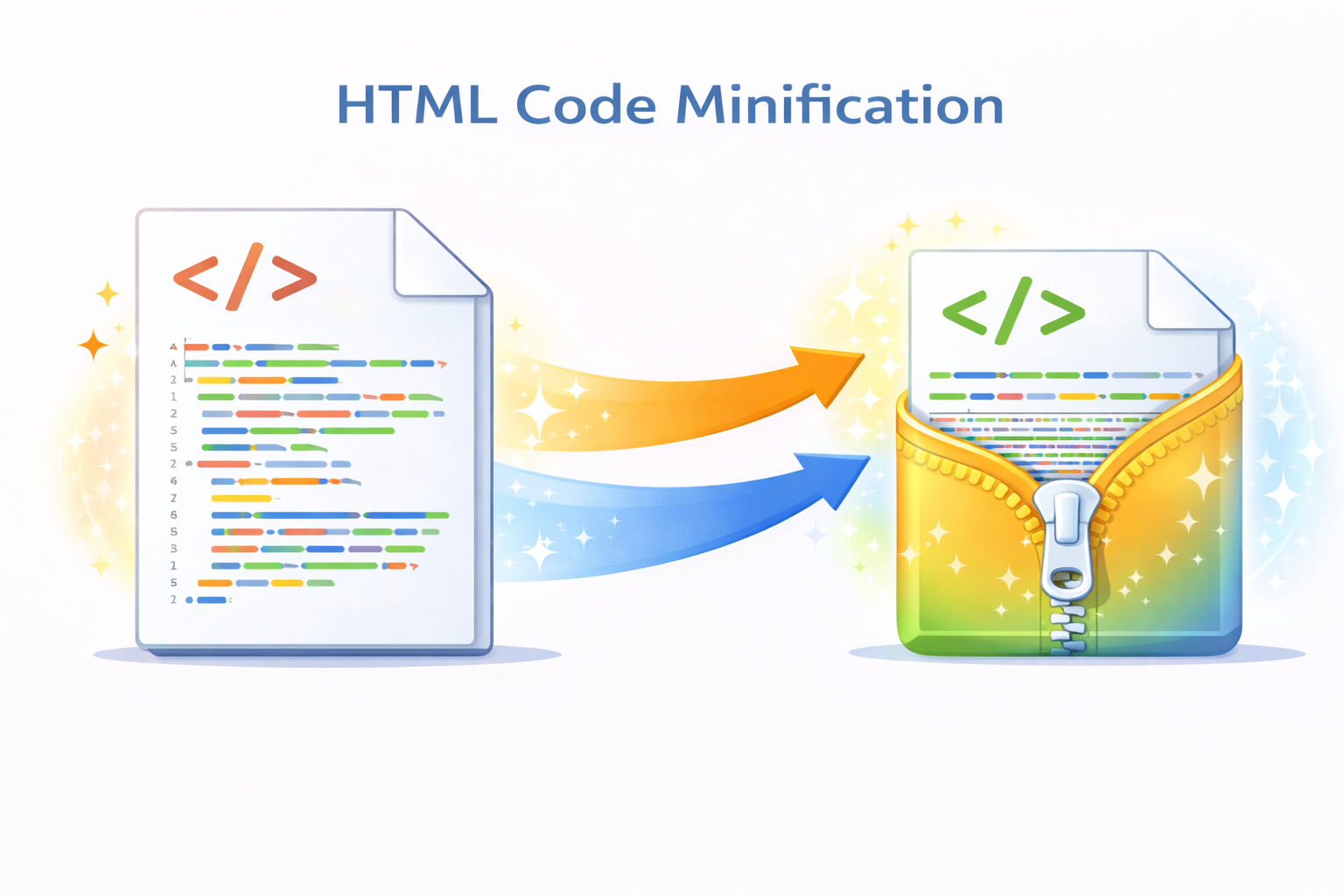
HTML minification is the process of removing unnecessary characters such as whitespace, line breaks, and comments from HTML code without affecting its functionality. Although browsers can parse unminified HTML, excess characters increase file size and slow down page loading, especially on mobile and low-bandwidth connections.
The HTML Minifier tool automatically compresses your HTML code into a lightweight version optimized for performance. By reducing file size, it helps improve page speed, enhance user experience, and support better SEO rankings, making it an essential tool for modern web development.
⚡ HTML Minifier (Tool)
Compress your HTML by removing unnecessary whitespace to improve page performance.
Table of Contents
⚡ Quick Summary
Minified HTML loads faster and performs better.
This tool compresses HTML instantly without breaking functionality.
Key takeaways
- Instant HTML compression
- Smaller file size
- No signup required
- Developer friendly
- Safe minification
📖 What Is This Tool?
The HTML Minifier is an online optimization tool that compresses HTML code by removing redundant characters.
It ensures the same output rendering while delivering a smaller, faster-loading HTML file.
Tool Definition
- Minifies HTML code
- Removes whitespace and comments
- Preserves functionality
- Fast and reliable
- Safe optimization
🎯 Who This Tool Is For
This tool is ideal for anyone optimizing website performance.
Web developers, SEO experts, site owners, students, and performance engineers frequently use HTML minifiers.
Ideal Users & Customer Profiles
- Web developers
- SEO professionals
- Website owners
- Students
- Performance engineers
😖 Core Pain Points This Tool Solves
Large HTML files slow down page load times.
Manual minification is error-prone and inefficient.
Problems Users Face
- Slow website performance
- Large HTML size
- Manual optimization effort
- SEO performance issues
- Higher bandwidth usage
- Poor mobile experience
- Lower conversion rates
✅ How This Guide Solves Those Pain Points
The HTML Minifier automatically compresses code in seconds.
It removes unnecessary characters while preserving rendering.
How This Content Helps
- Automates optimization
- Improves load speed
- Reduces file size
- Enhances SEO
- Saves time
- Ensures consistency
- Improves performance
💡 Why Use This Tool
Website speed directly impacts SEO and user experience.
This tool provides fast and safe HTML minification.
Value Proposition
- Improves performance
- Fast processing
- Easy to use
- Free access
- No technical complexity
⏰ When to Use This Tool
Use this tool before deploying or publishing websites.
It is ideal during performance optimization workflows.
Best Use Scenarios
- Before deployment
- Performance optimization
- SEO improvements
- Static site generation
- Production builds
🛠️ How to Use This Tool
Paste your HTML code into the input box.
Click minify to instantly get compressed HTML.
Usage Steps
- Paste HTML code
- Click minify
- Review minified output
- Copy result
- Deploy optimized code
🏆 Benefits of Using This Tool
HTML minification reduces load times and improves SEO.
This tool simplifies performance optimization.
Key Advantages
- Reduced file size
- Faster load times
- Improved SEO
- Free to use
- No signup required
- Beginner friendly
- Supports large files
- Time saving
- Reliable output
- Universal compatibility
🔒 Privacy, Security & Trust Signals
Your HTML code is processed instantly and never stored.
No tracking or logging of code content.
Privacy-first design ensures safe usage.
Your Data Safety
- No data storage
- No tracking
- Secure processing
- Anonymous usage
- Privacy focused
- Trusted by developers
Also Known As
Alternative names users search for.
FAQs
What is HTML minification?
It removes unnecessary characters from HTML to reduce file size.
Is this tool free?
Yes, completely free.
Does it break HTML?
No, it preserves functionality.
Is my code stored?
No, code is not stored.
Does minification improve SEO?
Yes, faster pages help SEO.
Can it handle large files?
Yes, large HTML is supported.
Is it safe?
Yes, privacy focused.
Does it remove comments?
Yes, unnecessary comments are removed.
Is it beginner friendly?
Yes, very easy to use.
Does it work online?
Yes, no installation needed.
Can developers use it?
Yes, ideal for developers.
Is it fast?
Yes, instant results.
Does it support copy paste?
Yes.
Does it change HTML output?
Rendering remains the same.
Can SEO experts use it?
Yes, widely used in SEO.
Is there a usage limit?
No limits.
Can I minify inline HTML?
Yes.
Does it support mobile?
Yes, mobile friendly.
Is it secure?
Yes, secure processing.
Does it work for production?
Yes, suitable for production use.
🔧 Other Web Development Tools
🗂️ Tool Categories
No categories available